
MEET YOUR COMPANY’S PRINT PORTAL
Your business cards.
Ready to order online.
Your approved design. Your details. A simple way for your team to request new cards.
No design software needed. Your logo and template are prepared for you.
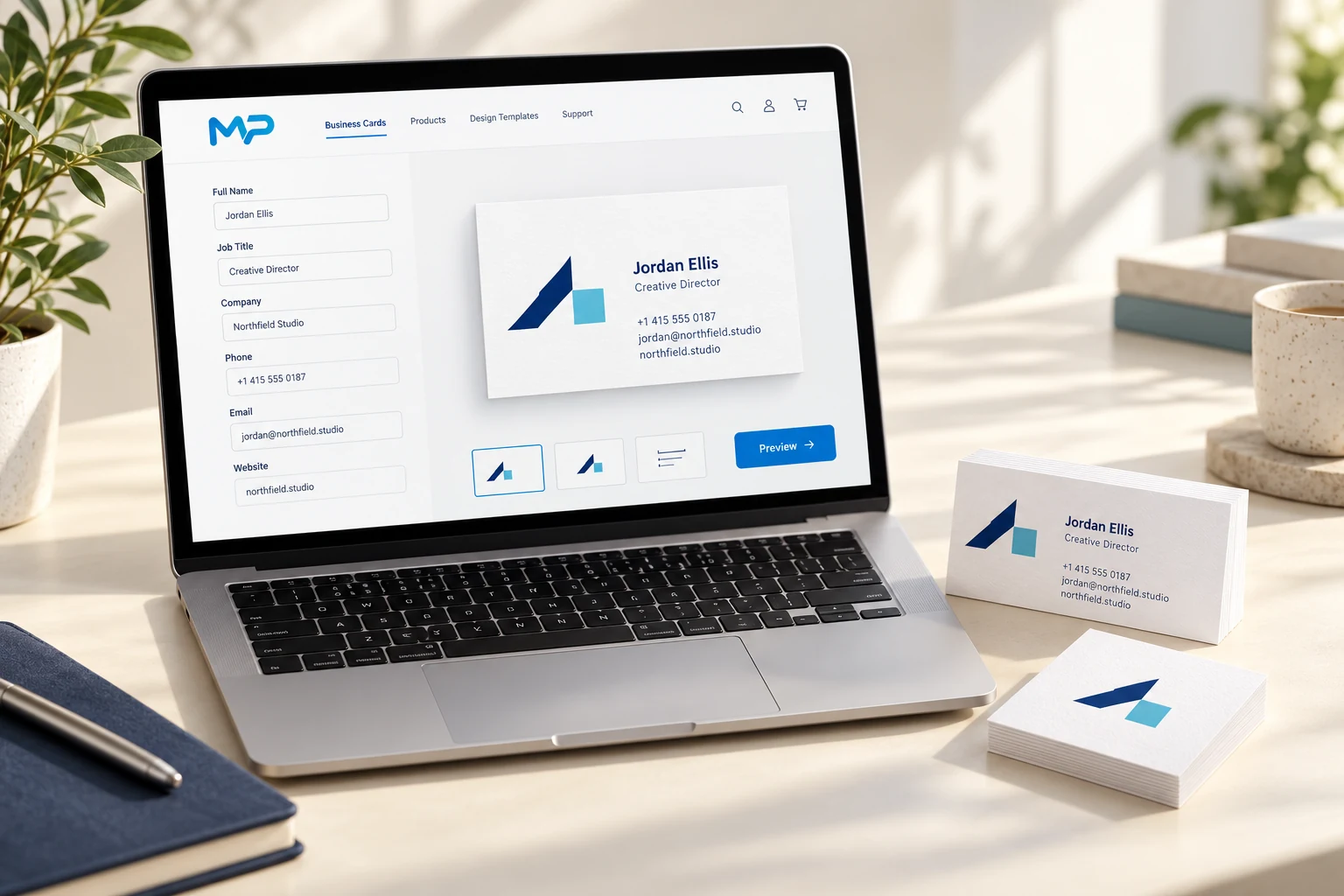
THREE SIMPLE STEPS
From “I need cards”
to “request sent.”
We prepare your company’s artwork first. Your team then works from its own ready-to-use collection.
- 01
Choose your card
Open your company’s private link and choose an available model and size.
- 02
Make it yours
Enter a name, title and contact details. Watch the card update, then check the front, back and QR.
- 03
Review & request
Choose quantity and delivery, approve the preview and send your request. Mac Printer confirms the final artwork and price before production.
THIS IS THE ACTUAL PORTAL
A clear view of every detail.
These are captures of the real ordering interface with a sample cardholder. See exactly where you edit, preview and request your cards.
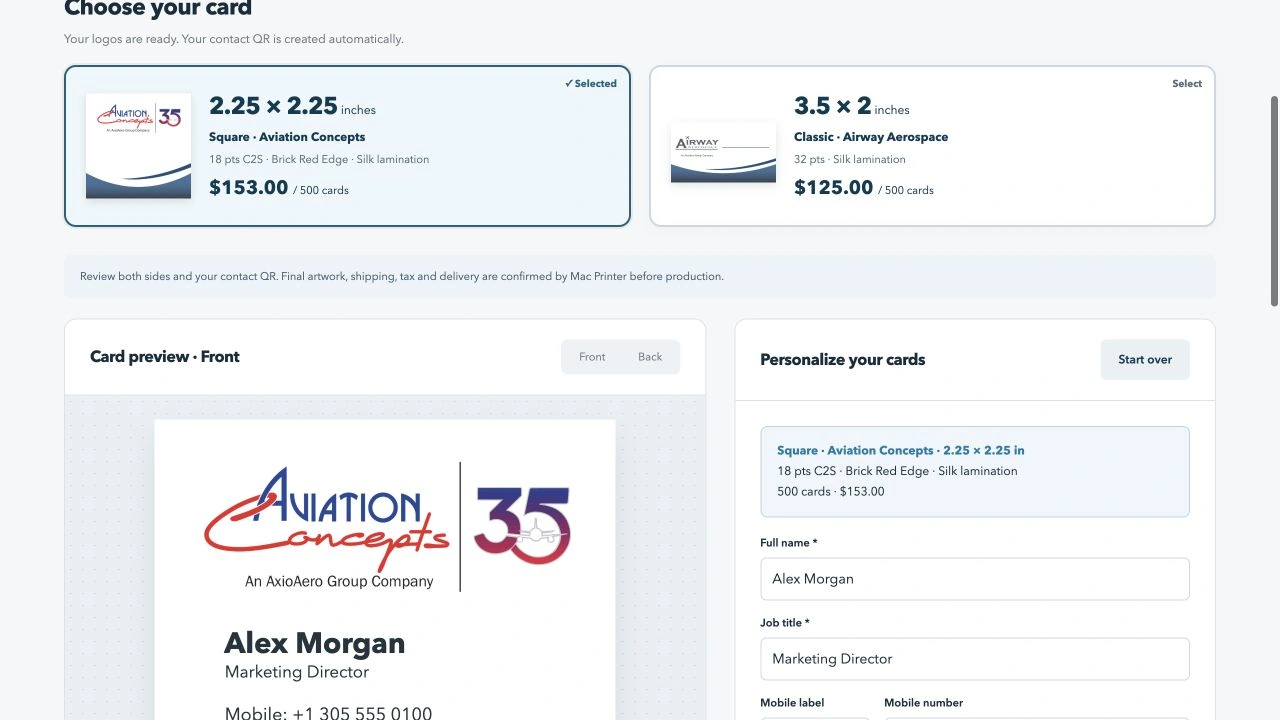
Real interface, sample cardholder. The collection, quantities, prices and QR options are configured for each company. The amounts shown are examples, not a general price list.
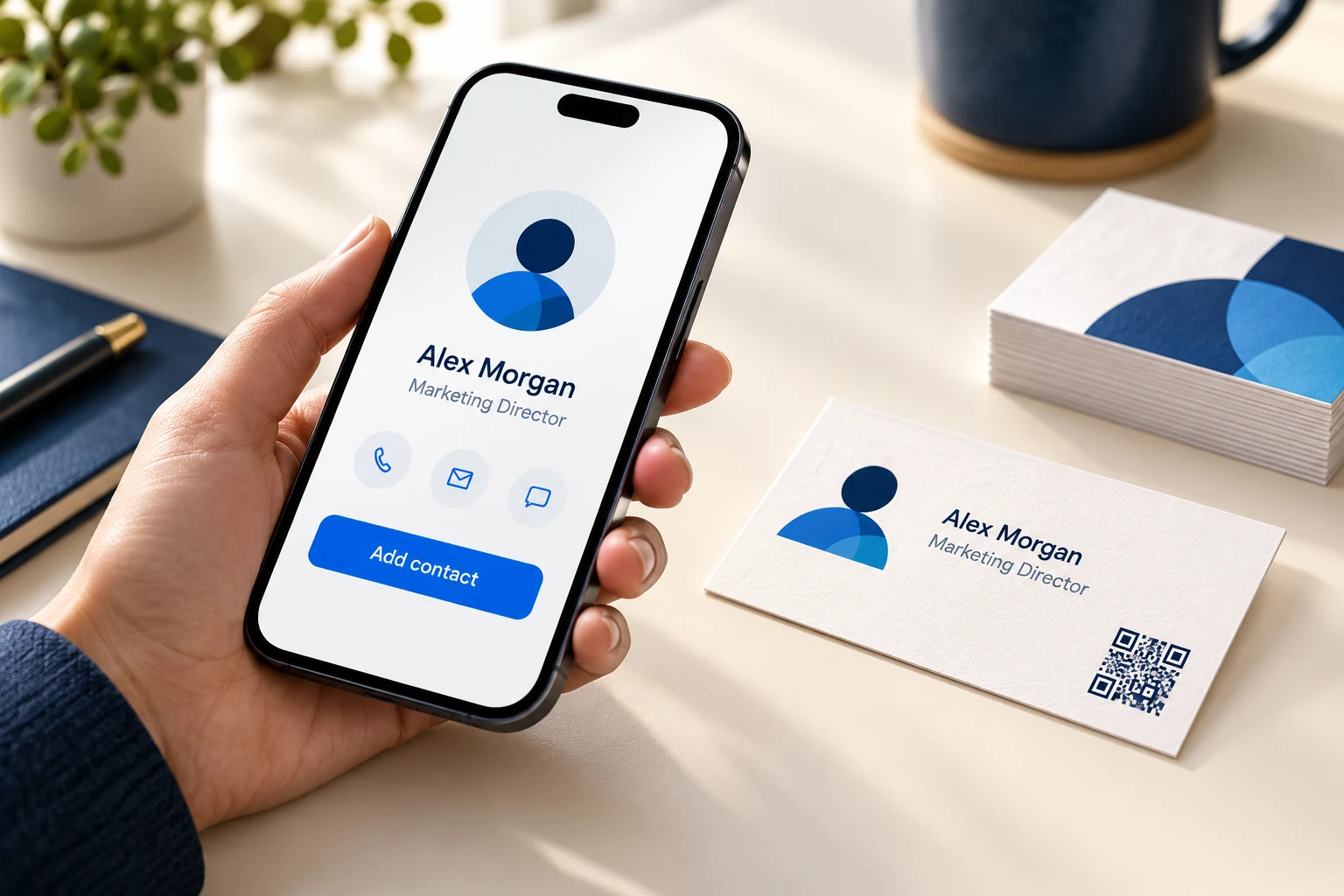
A CARD THAT BECOMES A CONTACT
Scan it.
Save the contact.
The portal can generate a contact QR directly from the details on your card—just like the Aviation collection.
- Name, title, company, phones and email in one scan.
- Updates with your cardholder details. No QR file to create or upload.
- The phone asks for confirmation before saving the contact.
Contact QR availability and placement depend on your prepared template.
Try a live sample below ↓TRY IT FOR YOURSELF
Change a name.
See the QR update.
This sample generates a real contact QR in your browser. Scan it with your phone to see the contact-saving experience.
Sample details only. This is a demonstration, not an order form. Nothing is sent to Mac Printer.
AFTER YOU SEND YOUR REQUEST
Your requests.
All in one place.
See your submitted requests, revisit the approved details and use a previous request to start a reorder. Each request has its own message thread with Mac Printer.
We review the artwork, stock, pricing and delivery before production. No online payment is collected through the card portal.
LET’S PREPARE YOUR COMPANY’S COLLECTION
Ready to make your
next order simpler?
Tell us your company name. We’ll help prepare your templates and invite the people who need access.
Opens an email draft to dc@macprinter.com. You review and send it.
Already invited? Open your company’s private link from the invitation email. This public page does not grant portal access.